Welcome to NETO

Log in to your account, or sign up in a minute.

Already registered?Existing clients
New here? Sign upChoose your track Employer Employee / Freelancer

Get in touch

Pick whatever works for you · we're here.

Info & policies

Everything about NETO · transparent and available

NETO · Bareket I.T. Ltd.
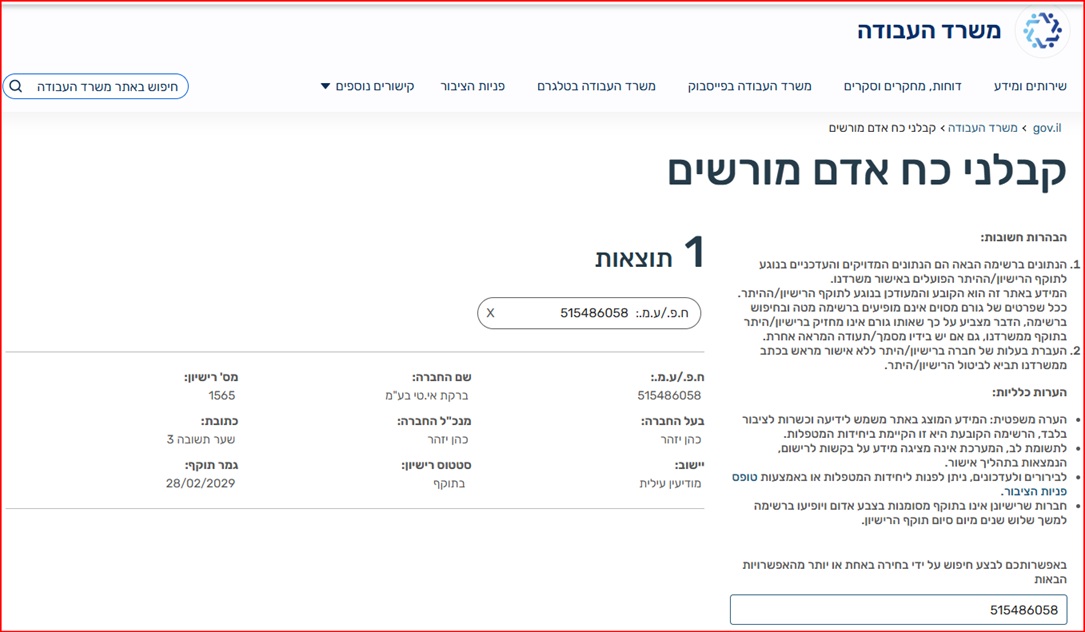
Reg. 515486058 · Licensed manpower contractor #1565
Office: Sha'arei Teshuva 31, Modi'in Illit
Tel +972-8-976-1874 · neto@neto.work

Open →

Book a demo

Pick a convenient time · we'll confirm by phone/email

Choose a day
Choose a time (11:30–15:30)
Guide progress0%
System Guides · Employer Track

Request a Freelancer Invoice · The Full Track

Want to pay a freelancer who has no registered business? Send a request, they complete their part · and you receive a lawful tax invoice. Four steps, a few minutes.

Manpower license no. 1565 Ministry of Labor supervision Operating since 2016
No employer account yet? This track starts from an active account. First complete the employer account guide (6 short steps) and come back here.
AI summary · the guide in 30 seconds
  • What you do here: pay a freelancer without a registered business · open a payment request on the Salary and Payments screen, enter the freelancer's details, the job and the amount, and the system sends them a personal link. Just 4 steps.
  • What the freelancer does: completes registration, Form 101 and bank details through the link and approves · no tax file needed, and they get a payslip with full rights.
  • What you receive: a lawful tax invoice from NETO, a recognized expense · and the freelancer receives the salary directly in their bank account.
  • What it costs: a 5% commission derived from the invoice amount the client pays (before VAT) · no sign-up, subscription or cancellation fees.
  • Tracking: every request, status and amount is centralized in the Payment Request Center.

Sources: Employer account guide · Israeli Ministry of Labor · Hiring freelancers effectively

1
Step 1 of 4

Create a Freelancer Payment Request

Click Request Freelancer Invoice to send a new invitation, or open the Payment Request Center to manage existing requests.

Good to know: A new request = sending an invitation · the Request Center = tracking, approval and management.
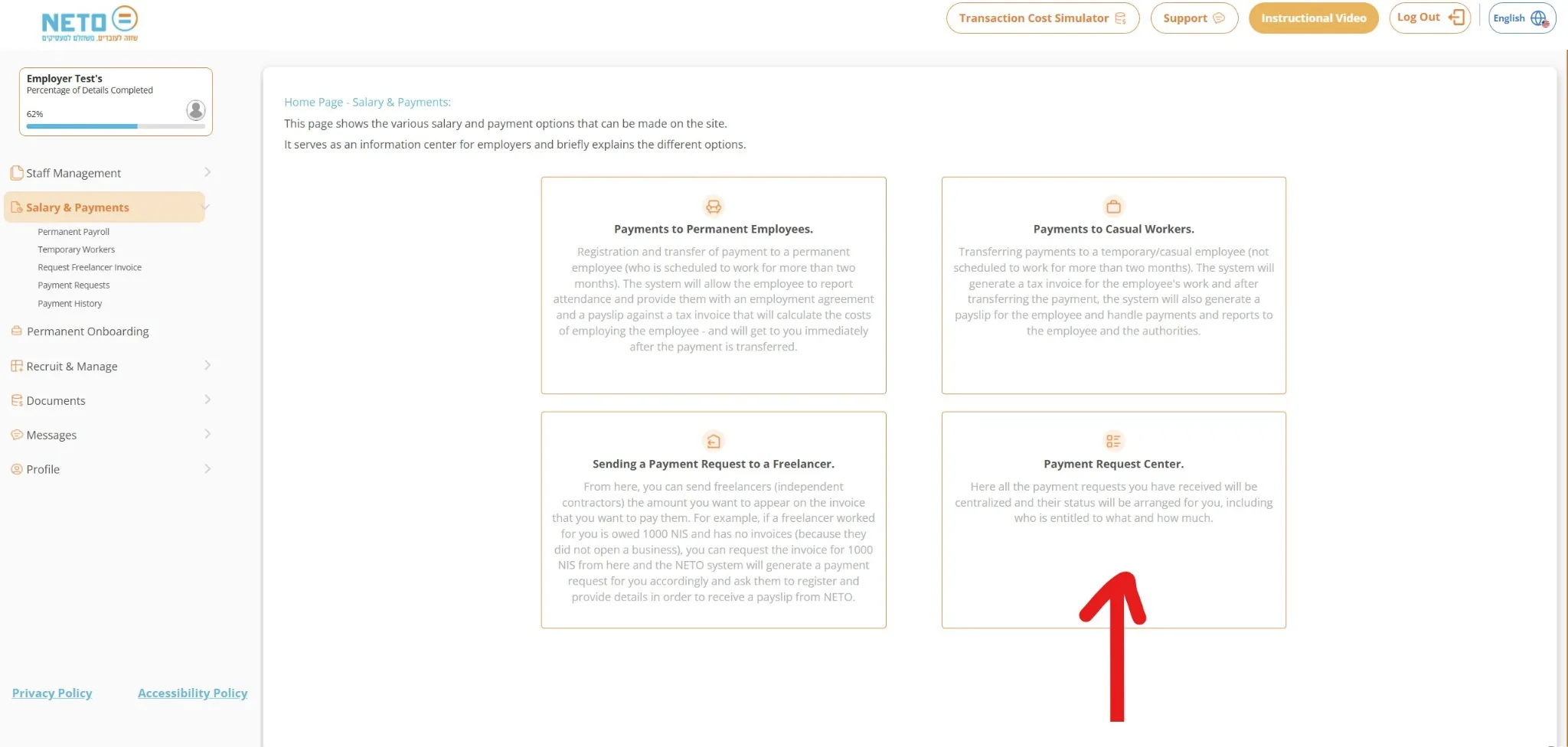
Creating a freelancer payment request on the Salary and Payments screen
2
Step 2 of 4

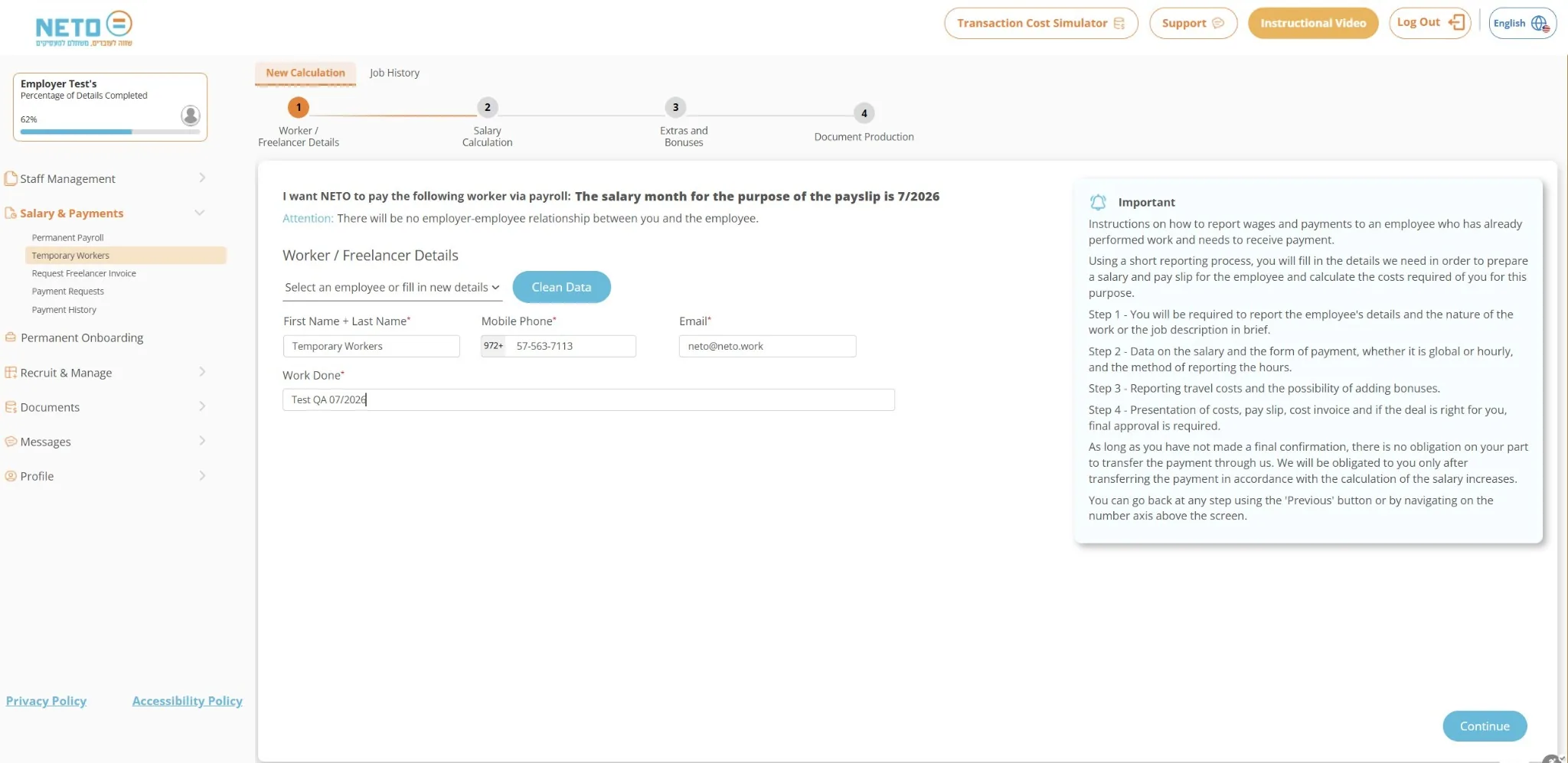
Enter the Freelancer and Job Details

Enter the name, phone, email, a short work description and the amount to pay. A freelancer who already exists in the system can simply be selected from the list.

Good to know: These details are used for the invitation and the freelancer's registration · accuracy in the email and phone saves delays.
The form for entering the freelancer and job details
3
Step 3 of 4

Send the Invitation to the Freelancer

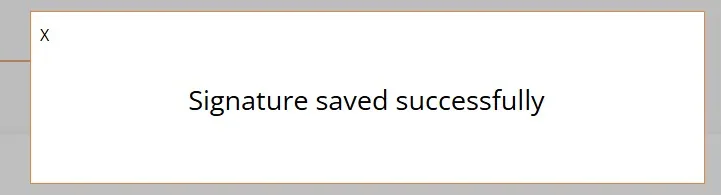
After completing the details, the system sends the freelancer a message with a personal link to continue the process.

Good to know: From this point the freelancer completes registration, Form 101, bank details and the required approvals on their own. Worth sending them their dedicated guide too.
Confirmation that the invitation was sent to the freelancer
4
Step 4 of 4

Payment Invoice and Tracking

After the process is approved, a payment invoice is issued with transfer details. Track the request status in the Request Center at any moment.

Good to know: Once the payment is received and the freelancer's documents are complete, NETO issues a payslip and transfers the salary to their account.
The payment invoice and the request tracking screen

And What Happens on the Freelancer's Side?

From the moment you send, the system walks them through five simple steps · these are the cards waiting in their dedicated guide:

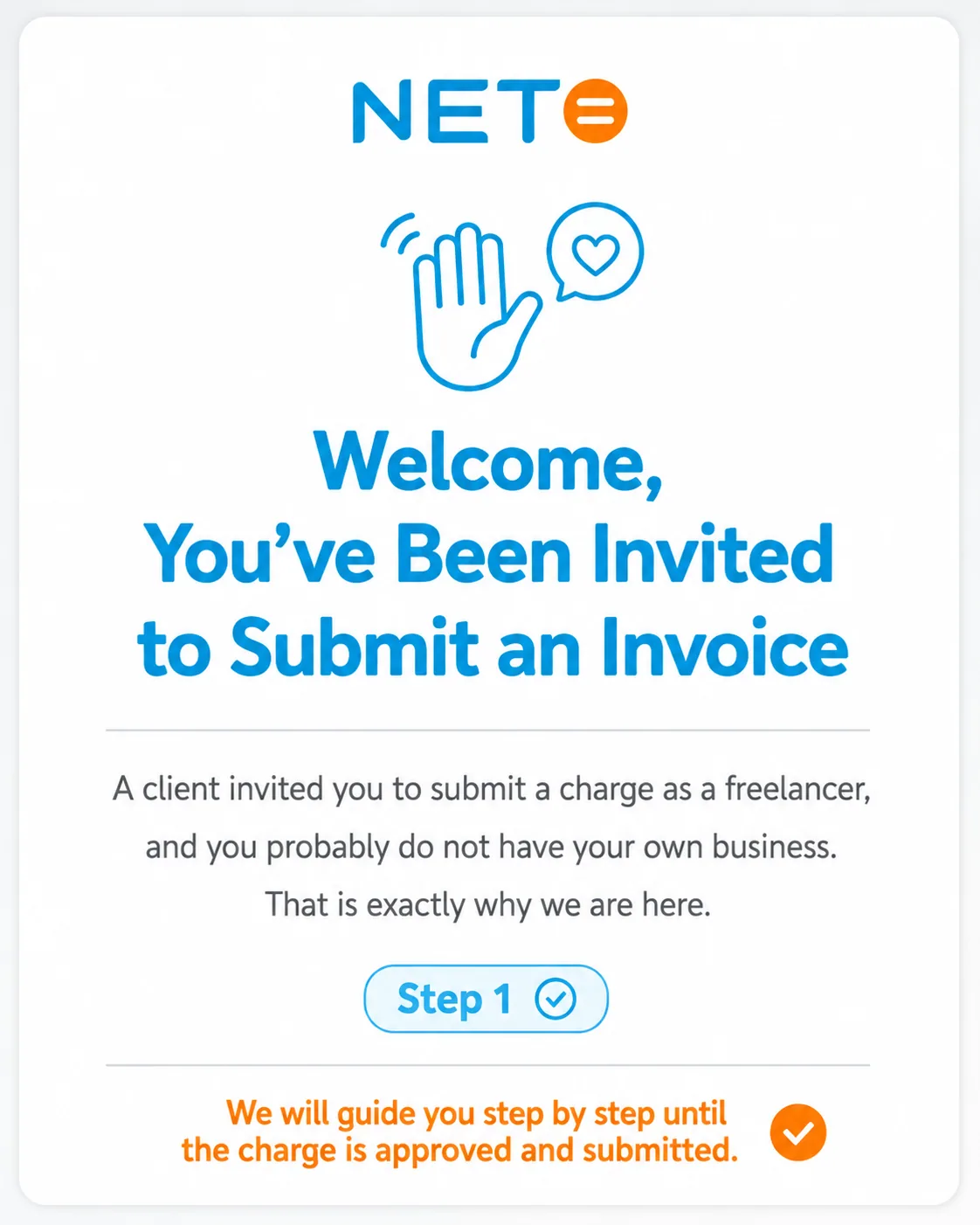
Step 1 · The freelancer was invited to submit an invoice
1 · Got the invitation
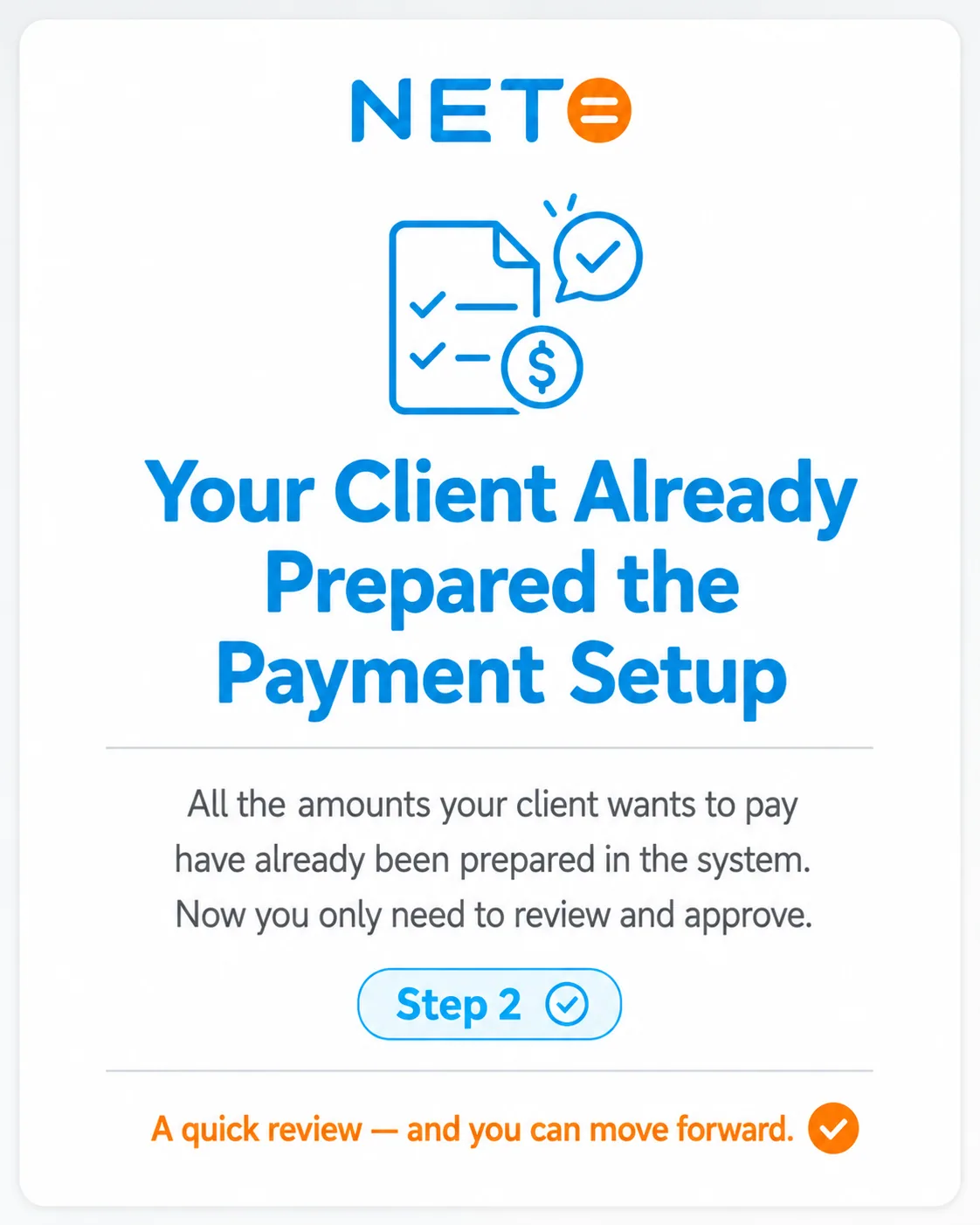
Step 2 · The client already prepared the payment setup
2 · Everything is ready
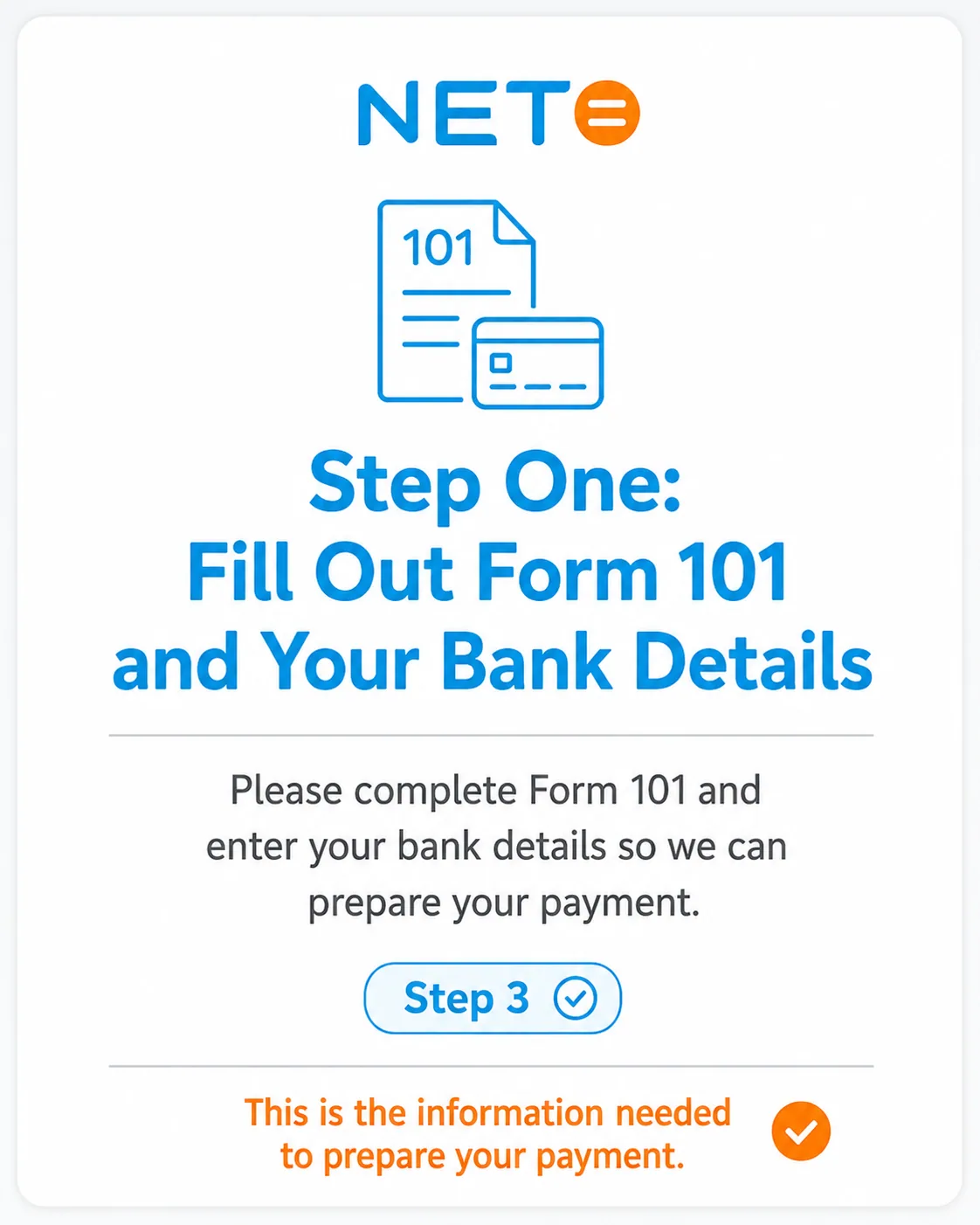
Step 3 · Filling out Form 101 and bank details
3 · Form 101 + bank
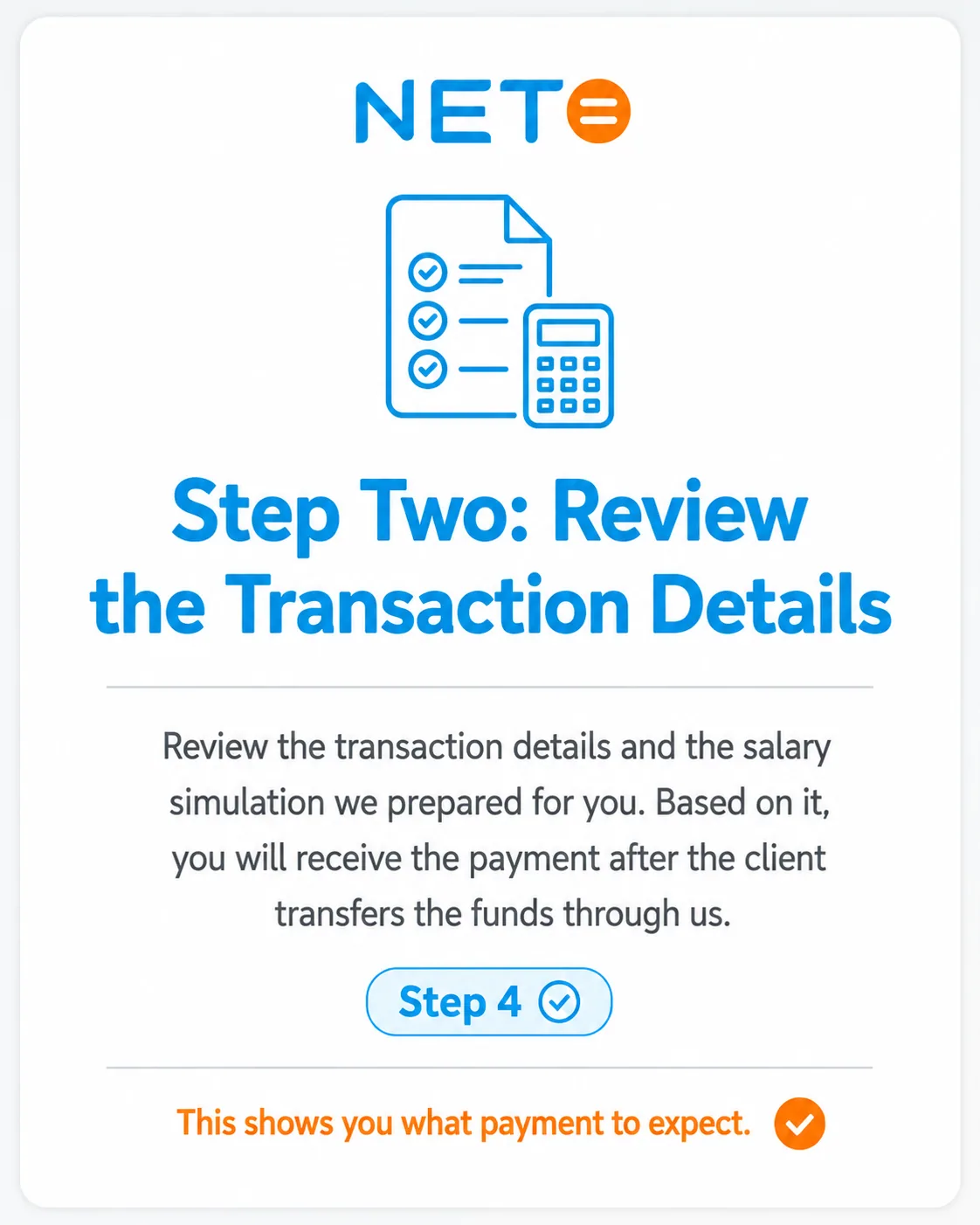
Step 4 · Reviewing the transaction details and salary simulation
4 · Reviews the deal
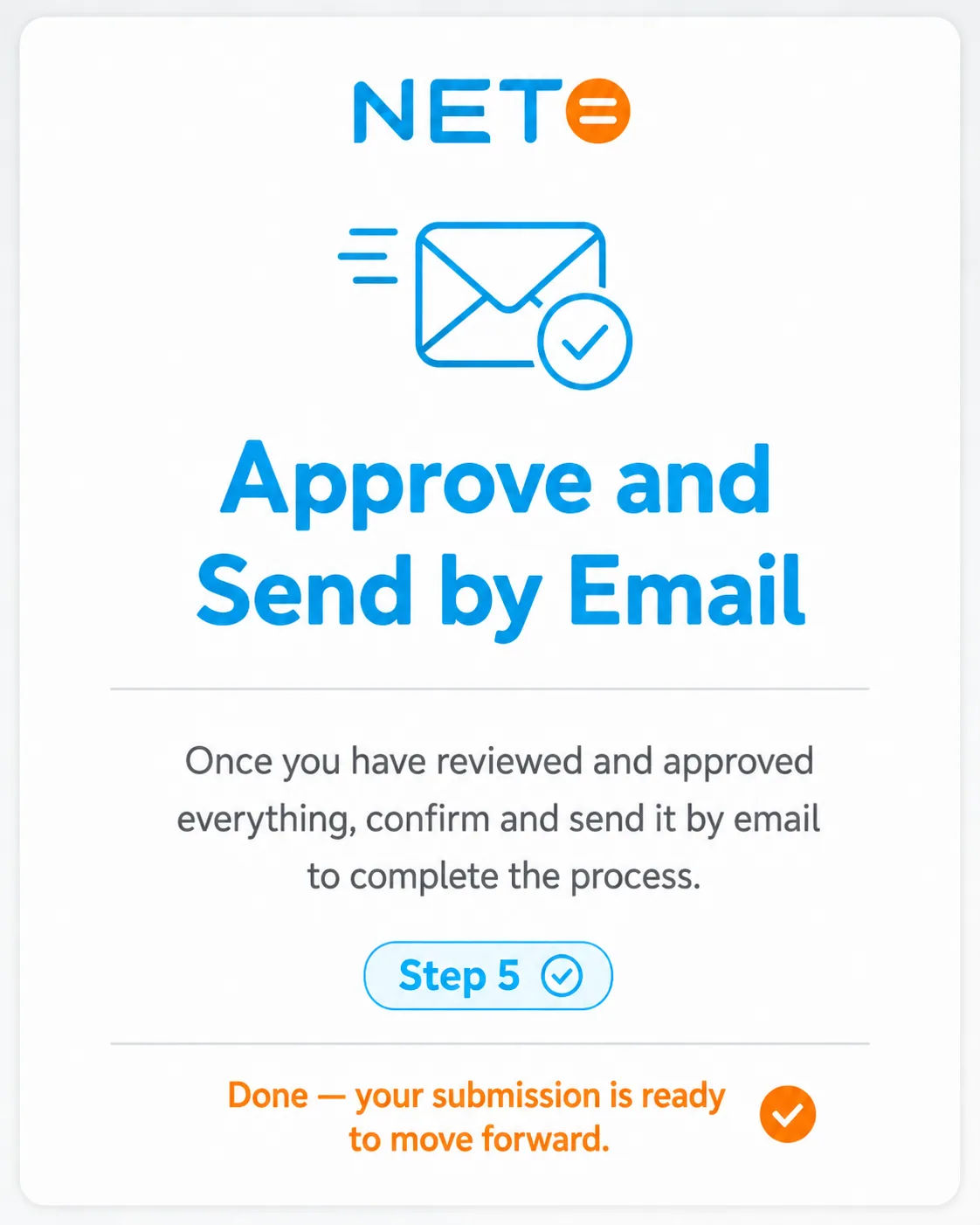
Step 5 · Approve and send by email
5 · Approves and sends

Send the freelancer their guide:

Share on WhatsApp To the full freelancer guide

Training Video · Pay Freelancers Legally

Prefer to watch? Here is the short walkthrough:

Preview of the training video about paying freelancers in Israel legally

Track FAQ

Does the freelancer need a registered business?
No. The freelancer registers on NETO as a salaried worker, and NETO issues you a lawful tax invoice. They do not open a tax file and they receive a payslip with full social rights.
What document do I get for my bookkeeping?
A lawful tax invoice from NETO (Net For Life Ltd) for the full amount. The invoice is a recognized expense, and there is no settling of accounts with the worker directly.
How much does the service cost?
The commission is 5%, derived from the invoice amount the client pays (before VAT). There are no sign-up, subscription or cancellation fees.
How long until the freelancer gets paid?
Once you transfer the payment per the invoice and the freelancer completes their documents (Form 101 and bank details), NETO issues a payslip and transfers the salary to their bank account.
What if the freelancer is already registered?
Select them from the list when opening the request, without re-entering details. They receive the new invitation directly in their existing account.
What does the freelancer do after the invitation is sent?
They receive a personal link, register, fill in Form 101 and bank details, review the transaction and approve. Their dedicated guide walks them through it · worth sending it to them.
How do I track existing requests?
The Payment Request Center centralizes all the requests you have sent, including status, amounts and who is entitled to what.

Related Guides · By What You Need Next

Summary · The Whole Track in Five Lines

  1. Open a freelancer invoice request on the Salary and Payments screen.
  2. Enter the freelancer's details, the job and the amount · or select an existing freelancer from the list.
  3. Send · the freelancer receives a personal link and completes registration, Form 101 and bank details.
  4. Receive a lawful tax invoice from NETO and pay per the invoice.
  5. NETO issues a payslip and transfers the salary to the freelancer's bank · and you track it all in the Request Center.

Still have a question? We're here

The NETO team answers fast · on WhatsApp, by phone or through the contact form. You can also ask the smart assistant on the site.

About the author
Yizhar CohenYC
Yizhar CohenEntrepreneur · CEO and Founding Partner at NETO

I founded NETO to turn complex employment and payment processes into something simple, clear and legal for everyone. Good service starts with human understanding, combined with smart technology and personal attention.

Connect on LinkedIn
Have a question? Let's talk.
Topics