Step 3 of 8 · The onboarding wizard
Job Details, Salary and Terms · The First Two Stations
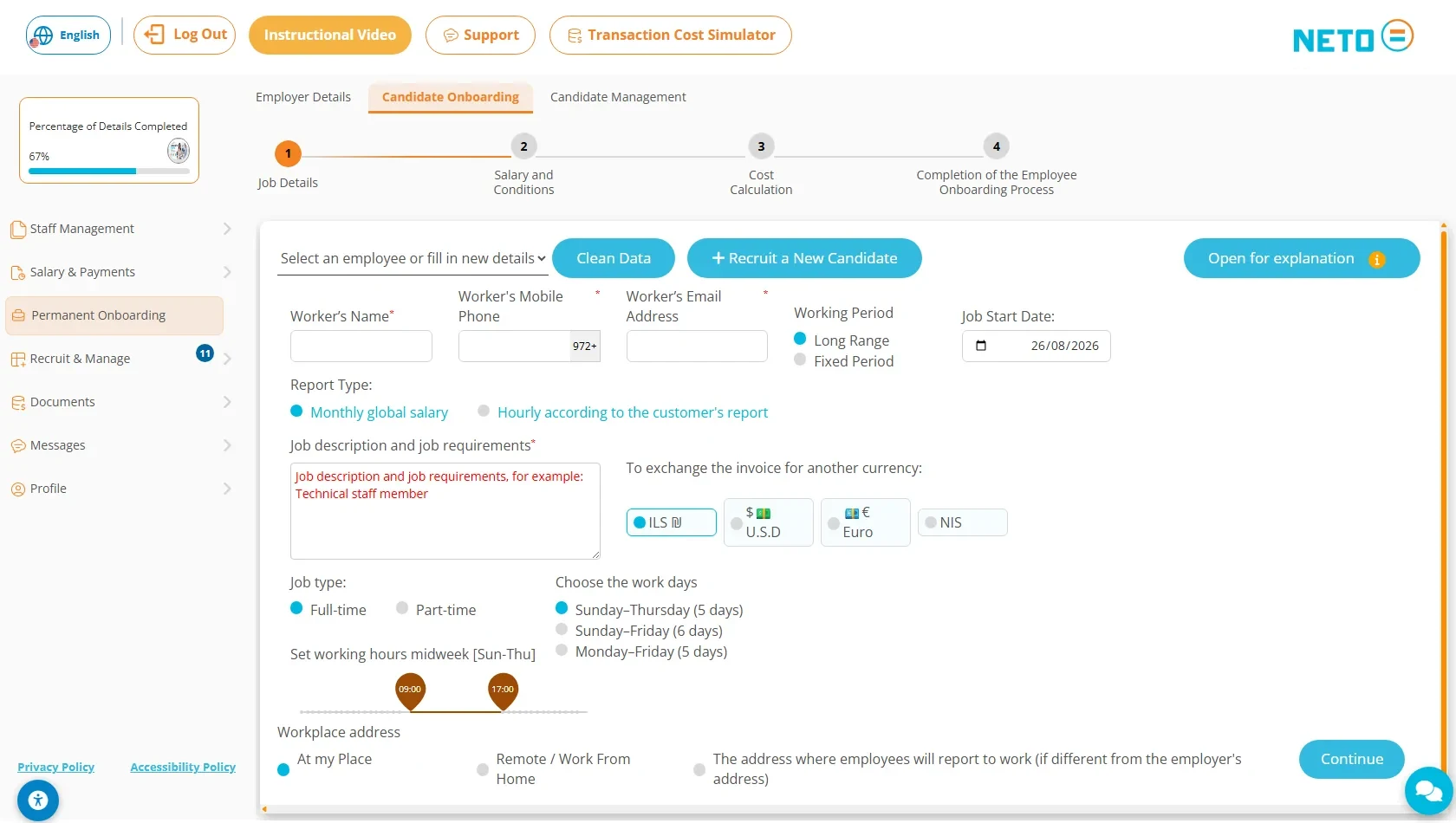
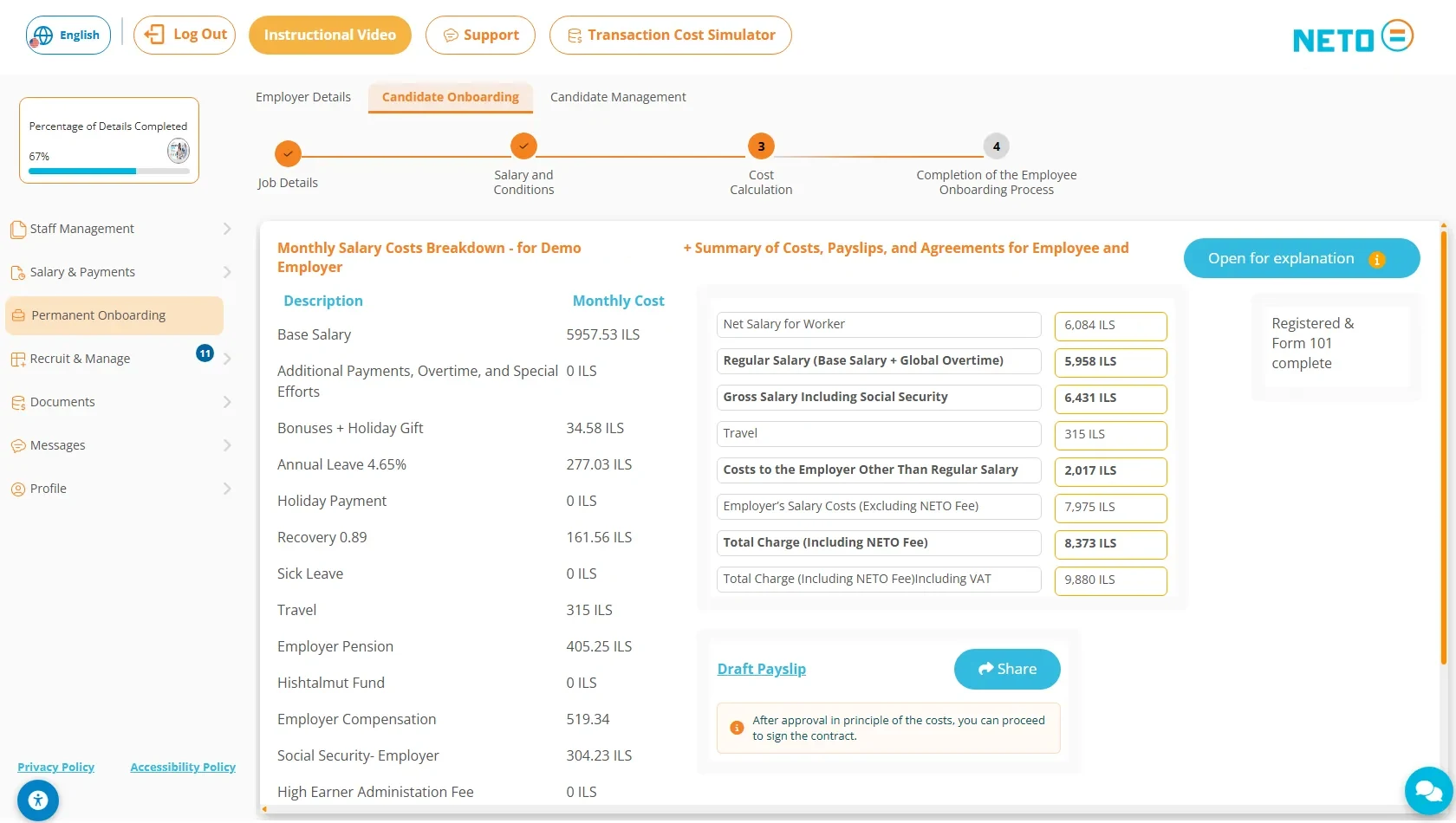
The onboarding wizard runs along a four-station progress bar: job details, salary and terms, cost calculation, and finish. In the first station choose a worker who already worked for you or enter a new candidate (name, mobile and email), set the start date and work period, the reporting type (a global monthly salary or hourly per the client's reporting), the job description and requirements, the currency, the position type and working days, the working hours and the workplace address. In the second station enter a global monthly rate or a base salary, travel costs, extra vacation days beyond the 12 set by law, the supervision type and comments · then click Calculate.
Good to know: for a global monthly salary, the on-screen guidance recommends splitting it so 70 percent counts as base salary and 30 percent as global overtime pay. Station 1 ends with Continue; in station 2 the button is Calculate · it first computes the salary fields in place, and the wizard moves to station 3 only after the required Type of Supervision and General Comments fields are filled.