Step 1 of 6
Register as a New Worker
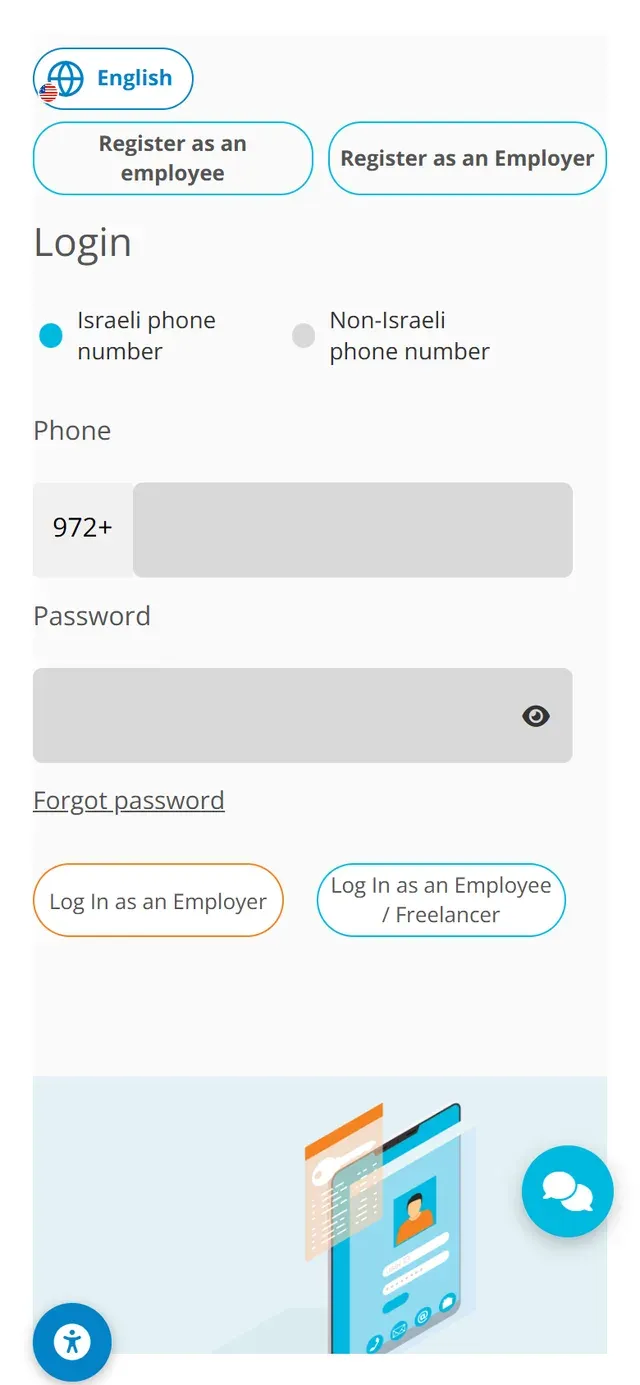
Open the registration screen in your phone's browser (it is shown in Hebrew for now), then enter your name, email, phone and password, tick the terms checkbox and tap Continue.
The registration form is currently shown in Hebrew only, and switching the app language does not translate it. The fields appear in this order: Full name, Email, Phone (with the +972 prefix) and Password. Then tick the checkbox confirming that you have read the terms and the privacy policy and agree to the terms of use, and tap Continue. Already registered? Choose “Log in” instead.
Good to know: Once you are registered, continue with step 2 to log in from your phone.