Step 1 of 5
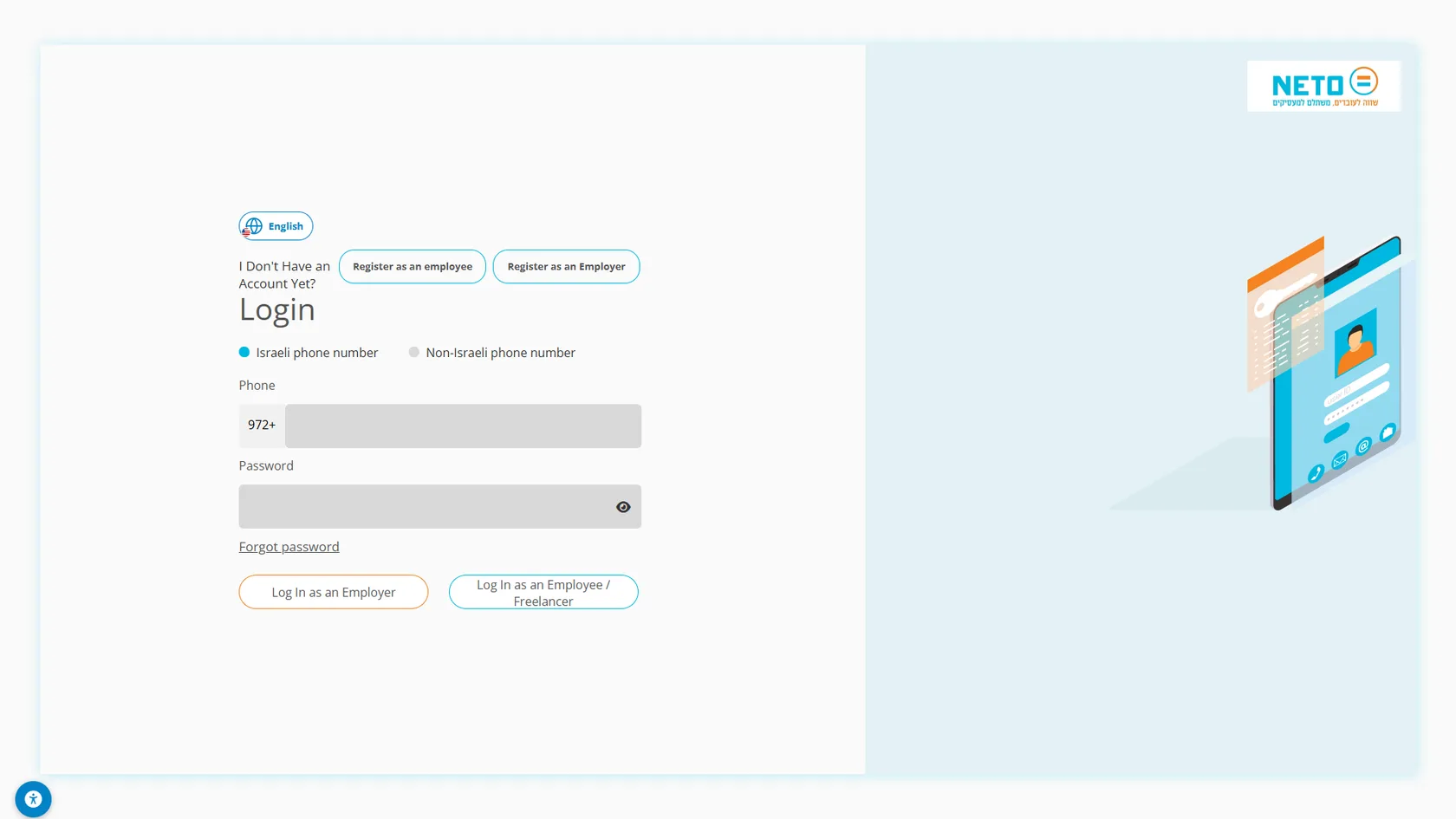
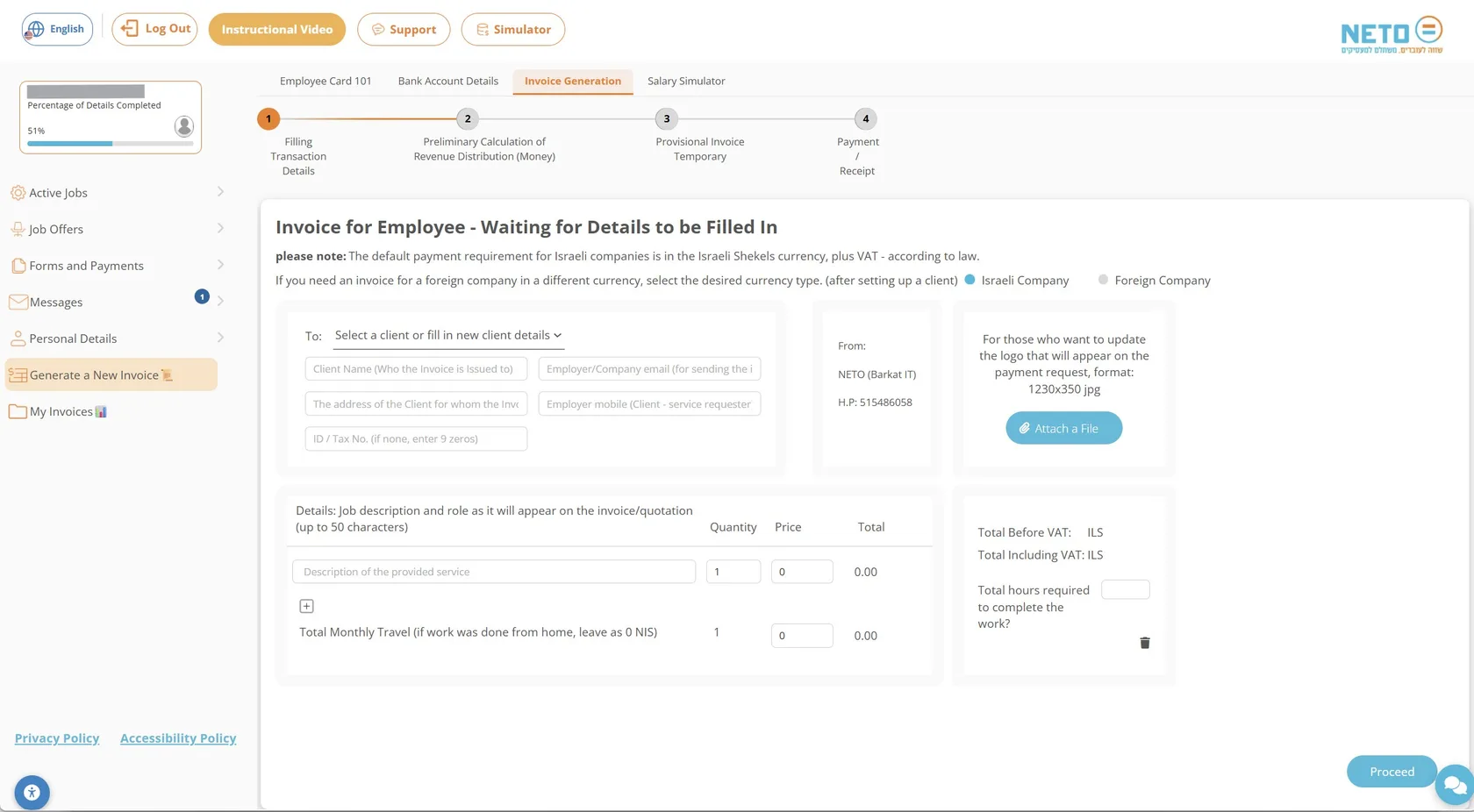
Log in and choose Generate a New Invoice
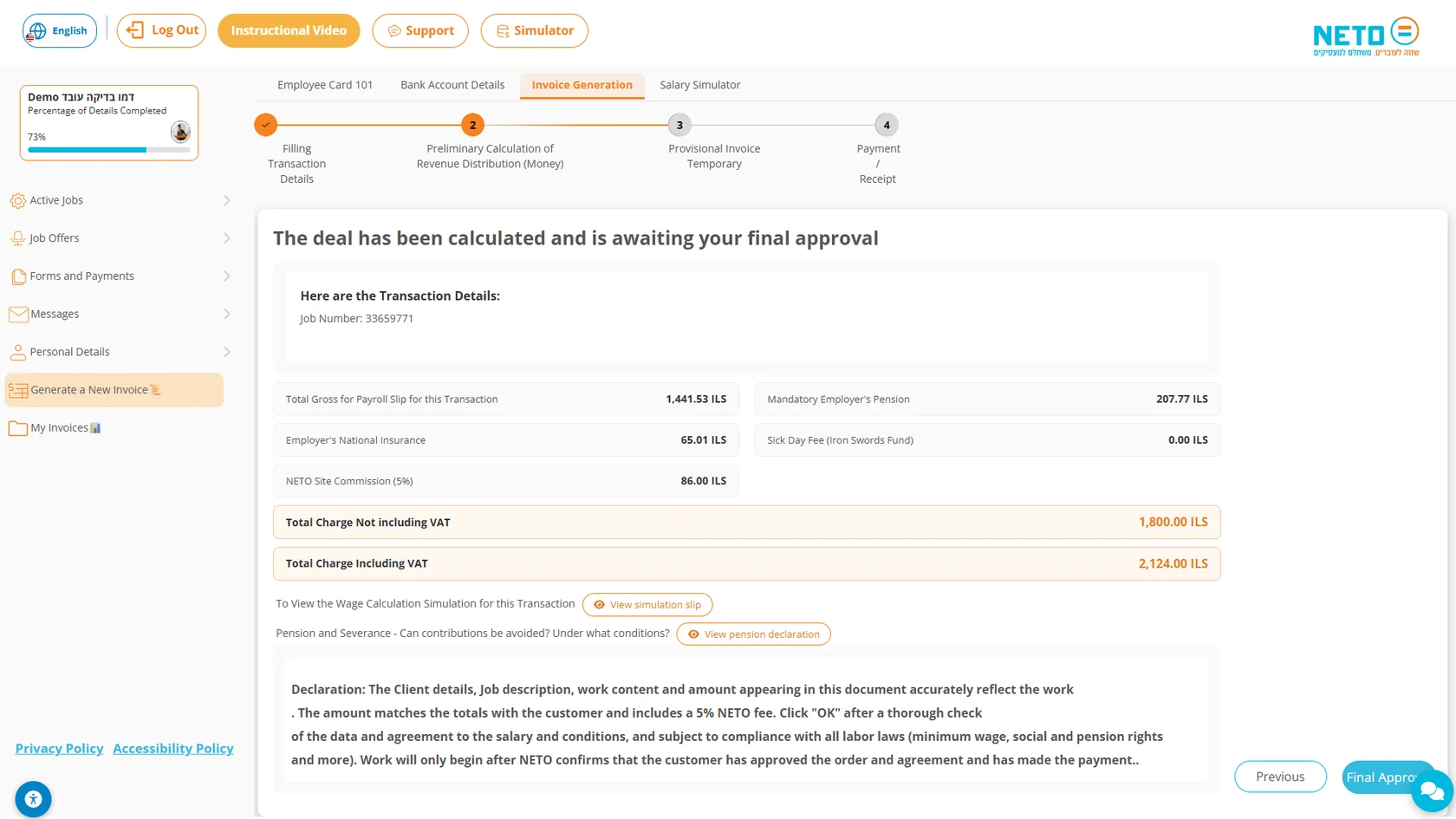
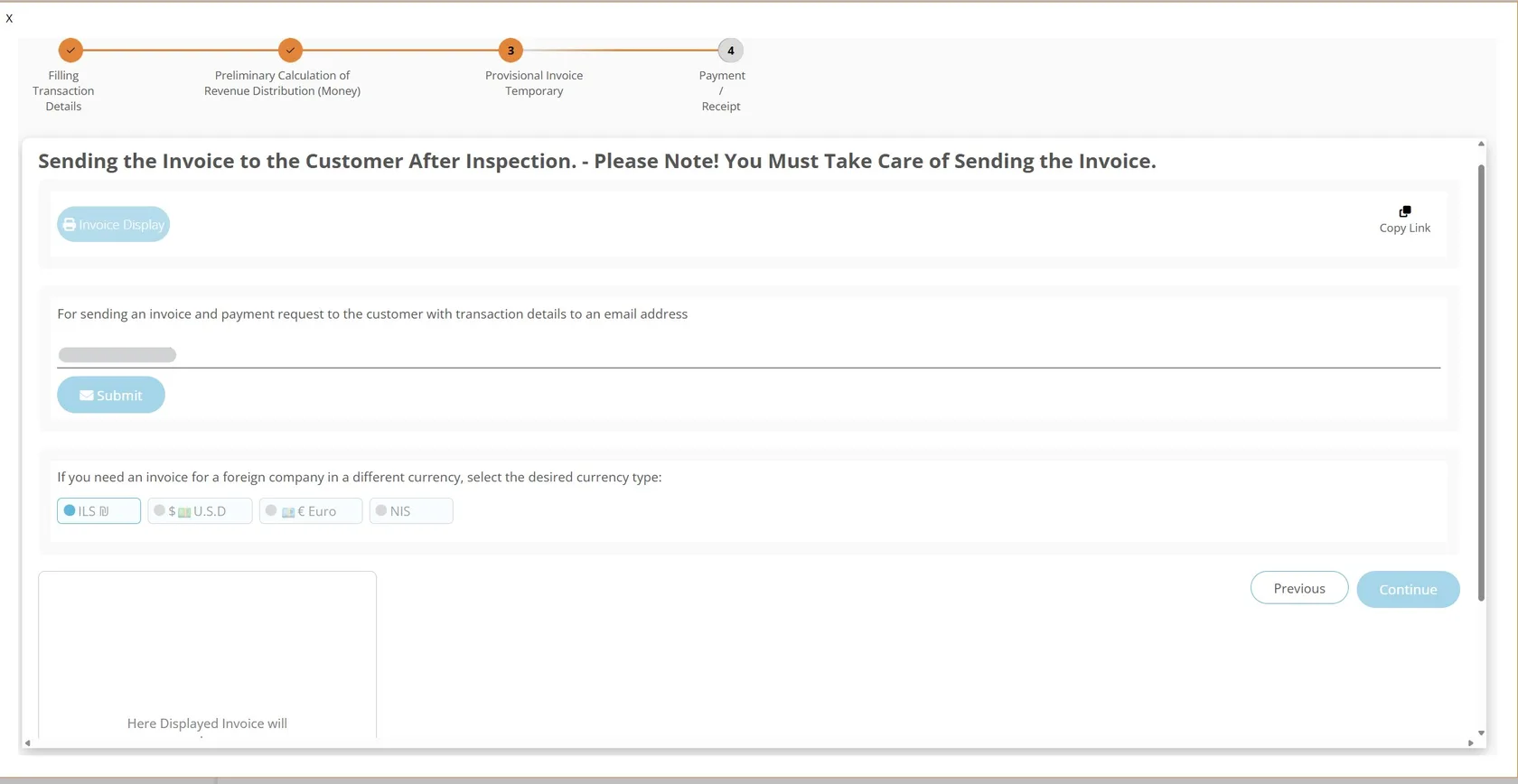
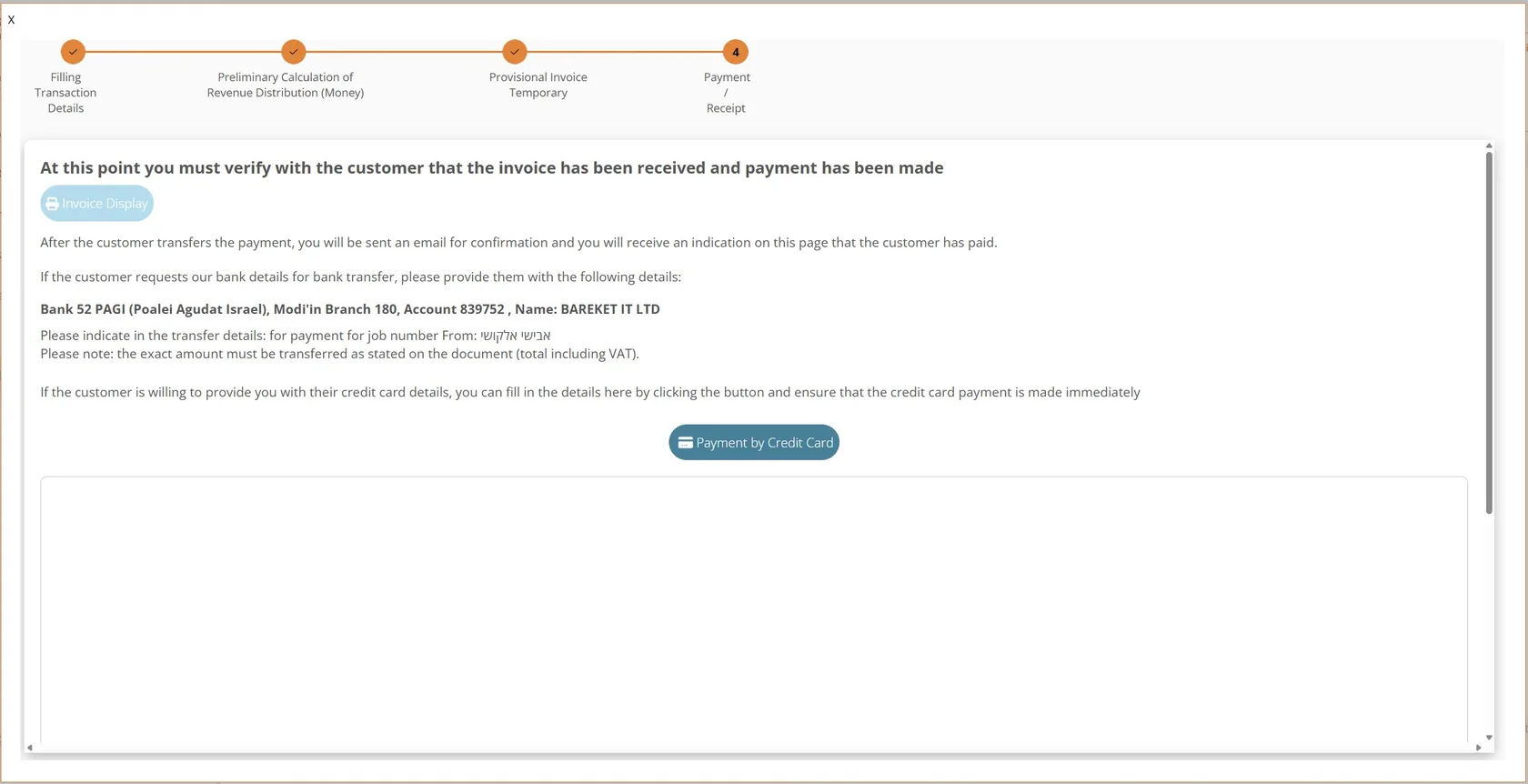
Log in through the personal link you received from NETO. In the side menu of the worker area, choose Generate a New Invoice · a four-step wizard opens and walks you through to payment: filling in the transaction details, a preliminary calculation of the revenue distribution, the provisional invoice, and payment or receipt. The wizard lives inside a personal area with four top tabs: Employee Card (Form 101) · Bank Account + Pension Fund Details · Invoice Generation · Salary Simulator.
Good to know: the same menu also holds the My Invoices tab · that is where you track every invoice you have already issued. You can switch languages with the button in the corner of the screen.