Work From Home · Your RightsEverything remote and hybrid employees in Israel need to know
Working from home has become an inseparable part of the Israeli job market, yet many employees are not fully aware of their rights in this setup. This comprehensive guide explains everything you need to know about remote employee rights · from working-hours and rest laws, through expense and equipment reimbursement, to privacy and monitoring. Estimated reading time: 12 minutes.
AI summary · Work From Home RightsClick to read the page summary
This guide covers work from home rights in Israel for remote and hybrid employees. It explains working hours and time tracking, expense and equipment reimbursement, work injury at home, and monitoring and privacy. It clarifies who decides where you work, the employer or the employee, and lists what to include in a remote-work agreement. Some rights never change regardless of location, and an FAQ is included.
Does a remote employee get the same rights as an employee in the office?
Yes, in most cases. Israel has no separate law for working from home, so the general labor laws · wage, working hours and rest, vacation, sick leave, national insurance and pension · continue to apply to a remote or hybrid employee too. What changes is the practical implementation: time tracking, expense reimbursement and monitoring arrangements, which are best anchored in a written agreement. It is advisable to verify with the official authorities.
Summary · key points
Hybrid work and working from home have become an inseparable part of the Israeli job market. Many employees perform their role from the living room or a home office, and it is not always clear to them where the law stands on their rights. The good news is that a remote employee's rights are mostly preserved exactly as they are at a physical workplace · changing location does not cancel the employment relationship and does not undermine the basic rights you are entitled to.
- Remote employee rights are mostly preserved exactly as they are at a physical workplace.
- There is no specific law for working from home, but the general labor laws apply in full.
- Time tracking is mandatory in remote work too, using digital tools.
- Expense and equipment reimbursement should be regulated in a written policy.
- Employee monitoring must be proportionate, transparent and by consent.
- An accident at home during work may be recognized as a work injury.
- Is there a work-from-home law in Israel
- Common mistake: thinking working from home cancels rights
- How the Hours of Work and Rest Law applies to working from home
- Can the employer demand round-the-clock availability
- Comparison: office work vs. working from home
- Who pays for electricity, internet and equipment
- Work injury at home
- How to report a work-from-home accident correctly
- Monitoring remote employees: what the employer may do
- Can the employer require · or the employee request · working from home
- Metrics to check: is your work-from-home policy sound
- Why a detailed employment agreement matters for a remote employee
- Checklist for a remote-work agreement
- Rights that do not change when working from home
- How NETO helps manage working from home
- Frequently asked questions
- Summary
Israel has no specific law called a "work-from-home law." The rights and obligations of remote employees are based on a combination of general labor laws that apply to every employee, regardless of where they are sitting. The Hours of Work and Rest Law, the Severance Pay Law, the Annual Leave Law and the Sick Pay Law continue to apply in full to anyone working from home.
"Working from home" is not a defined legal concept in Israeli legislation, but that does not mean there is no protection. The protection comes from a combination of existing labor laws, court rulings, and collective or individual agreements. For the full legal picture, see our overview of Israeli labor law · rights and employer obligations.
The adjustments required mainly concern the way things are implemented. How do you track working hours when there is no physical time clock? How do you make sure an employee is not working too many hours? How do you protect privacy? These questions are resolved through a clear organizational policy and written agreements between the parties. All the relevant laws can be found in the Ministry of Labor resources.
Many employees wrongly assume that when they move to working from home, some of their rights disappear. That is a mistake. Wages, vacation days, sick pay, recreation pay (havra'a), pension contributions and protection from dismissal do not change just because the physical workplace moved to the home. What does change is the way some of these things are implemented in practice.
For example, time tracking requires suitable digital tools. Expense reimbursement needs to be defined in a policy. Privacy takes on new meaning when the employer wants to monitor output. The differences are practical, not substantive as far as the rights themselves are concerned.
The Hours of Work and Rest Law applies to remote employees exactly as it does to employees in the office. A regular workday is limited to 8.6 hours in a 5-day workweek, and the workweek is limited to 42 hours. Every hour beyond that is considered overtime and requires increased pay.
The main challenge when working from home is documentation. When there is no physical time clock, a reporting mechanism must be established. Digital systems, apps, or even spreadsheets can serve this purpose. The key is that there is clear documentation approved by both parties.
What happens with overtime when working from home?
Overtime when working from home is calculated by exactly the same rules. The first two hours beyond the workday entitle you to 125% of the regular hourly wage, and every hour beyond that entitles you to 150%. It is important to remember that the employer must approve overtime in advance. Self-directed work beyond hours without approval can create disputes.
No. Even when working from home, there are limits. The right to disconnect is a principle that is increasingly taking shape in case law and organizational policy. It means there is no legitimate expectation that an employee will be available after the defined working hours, even if they are physically at home.
WhatsApp messages at ten at night, weekend emails, or Zoom meetings outside working hours are problematic. If this is a constant demand rather than exceptional cases, it may be considered a violation of rights. It is advisable to define in advance what counts as working hours and what does not, and to set an internal SLA for response times.
Office work vs. working from home
Same laws · different implementation. Here is what the differences look like in practice.
| Topic | Office work | Working from home |
|---|---|---|
| Time tracking | Physical time clock | Digital system or self-reporting |
| Overtime | Advance approval required | Advance approval required |
| Work equipment | Provided by the employer | By agreement or policy |
| Operating expenses | At the employer's expense | By agreement or policy |
| Privacy | Security cameras in the office | Limited monitoring, by consent |
| Work injury | Recognized automatically | Recognized if work-related |
There is no law requiring an employer to pay for a remote employee's electricity or internet. However, when it comes to regular working from home that is required by the employer, it is customary to arrange expense reimbursement. There are two main approaches: a fixed monthly allowance or reimbursement based on actual receipts.
A monthly allowance is simpler to manage and prevents unnecessary bureaucracy. Reimbursement by receipts is more precise but requires administrative work. Either way, it is important to set the policy in advance and document it in writing. As for equipment such as a computer, monitor or ergonomic chair, when the employer expects regular work from home, it is proper for the equipment to be provided by the employer or reimbursed.
An accident that occurs at home during work can be recognized as a work injury, provided there is a clear connection between the accident and the work itself. The legal test is "in the course of and by reason of the work." If you fell on the way to the kitchen to make coffee during a break, that is a borderline case. If you fell while going to fetch a document from the printer, the connection to work is clearer.
The main difficulty is proof. At home there are no witnesses and no security cameras. That is why it is important to document every incident immediately: take photos, keep medical documents, and report to the employer as soon as possible. The National Insurance Institute provides detailed information on who is insured and how to file a claim.
How do you report a work-from-home accident correctly?
The first step is to seek medical care and keep all the documents.
The second step is to report to the employer as soon as possible.
File an injury-benefit claim form, attaching form BL250 from the treating doctor and form BL283 from the employer.
It is important to describe the circumstances precisely: what you were doing, at what time, how the accident happened, and how it relates to work. The more accurate and detailed the documentation, the higher the chances of the accident being recognized as a work injury.
Employers want to make sure remote employees are actually working. That is legitimate. But there are limits. The guiding principle is proportionality and transparency. Employee monitoring must be limited to legitimate and minimal needs, and the employee must know they are being monitored and by what means.
Recording log-ins and log-outs to systems, tracking completed tasks, or output reports are reasonable tools. Frequent screenshots, continuous camera activation, or eavesdropping on calls are problematic tools that may be considered too intrusive. The home is a private space, and that changes the rules of the game.
What is the difference between reasonable and intrusive monitoring?
Reasonable monitoring focuses on deliverables and output. Intrusive monitoring focuses on physical presence and continuous activity. An employer who is satisfied with checking that tasks were completed is acting reasonably. An employer who demands the camera stay on all day, or installs software that captures the screen every few minutes, crosses the line.

Who decides where you work · the employer or the employee?
Can the employer require me to work from home?
The answer depends on the circumstances. If the employment contract or organizational policy set out in advance that the work would be performed from home, the employer can require it. If it is a unilateral change to the terms of employment, it is more complicated. A material change to the terms of employment requires the employee's consent, or at least advance notice and regulation. In emergencies such as war or a pandemic, the employer can require working from home even without explicit consent, provided it is reasonable in the circumstances. But even then, if working from home causes the employee significant expenses or a material change to their routine, the matter needs to be arranged.
Can an employee demand to work from home?
There is no automatic right to work from home. But you can request it, and the chances improve when there is a good justification. Medical, family, or long-distance-from-work circumstances can be valid reasons. When the organization already operates in a hybrid model, it is easier to get approval. The right approach is to come with an organized proposal: which days, how you will maintain output, how you will report hours, and when you will be available for meetings. When the request is framed as a business proposal rather than a personal demand, the chances of success are higher.
If the answer to any of these items is "no" or "I don't know," it is worth addressing. A clear policy prevents disputes and protects both the employee and the employer · including clear time reporting and working conditions.
A written employment agreement is not only a legal requirement · it is also the best protection for both parties. The agreement should detail the working hours, the reporting method, the equipment provided, the expense-reimbursement policy, the information-security rules, and the responsibility in case of an accident.
When all of these things are written down in advance, there are no surprises. The employee knows what is expected of them, and the employer knows what they are committing to provide. Getting a compliant payslip and a clear contract in place is exactly what a service like organized Israeli payroll makes simple.

Checklist: what to include in a remote-work agreement
| Topic | What to define |
|---|---|
| Working hours | Days and hours, flexibility, required availability |
| Attendance reporting | Reporting system, frequency, employer approval |
| Equipment | What is provided, what is at the employee's expense, maintenance |
| Expenses | Allowance or reimbursement, cap, payment method |
| Information security | Employee duties, required software, system access |
| Privacy and monitoring | Tools in use, purposes, transparency |
| Accidents | Reporting process, responsibility, insurance |
Most social rights remain exactly as they were. Vacation days accrue by seniority, not by location. Sick pay is paid by the same rules. Recreation pay is due to every employee who has worked at least a year. Pension contributions are mandatory by law, regardless of whether the employee sits in the office or at home.
Severance pay is also calculated by the same formula. Protections against arbitrary dismissal also apply. So does the right to a pre-dismissal hearing. Working from home does not create a new category of employees with fewer rights. For a broader look at what every employee is entitled to, see our guide to employee rights in Israel.
The principle is simple: employee status derives from the employment relationship itself, not from the address where the work is performed. Wage, working hours, national insurance and pension contributions follow the employee at home, in the office, or in any combination of the two. That said, each case is examined on its merits · for complex issues it is advisable to verify with the official authorities or seek professional advice.
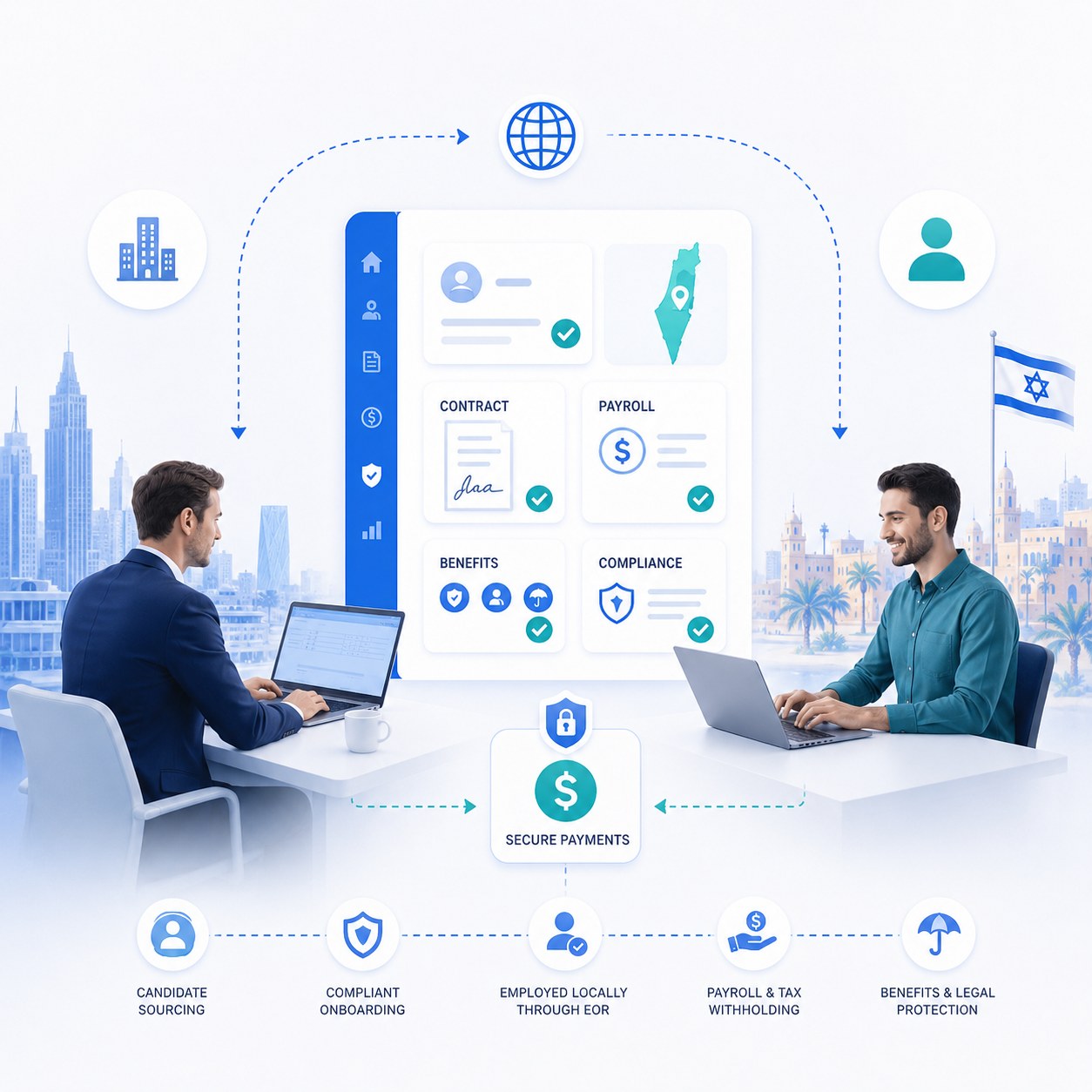
The NETO system lets you manage the entire employment process digitally. Time reporting, payslip generation, contract and agreement management, and dealing with the authorities are all done at the click of a button. For employers it saves time and prevents mistakes. For employees it provides transparency and confidence.
When working remotely, it is especially important to have one place that centralizes all the information. NETO offers exactly that: a single platform that handles all the bureaucracy, lawfully, without a headache. The system is tailored to the Israeli market and understands local requirements.
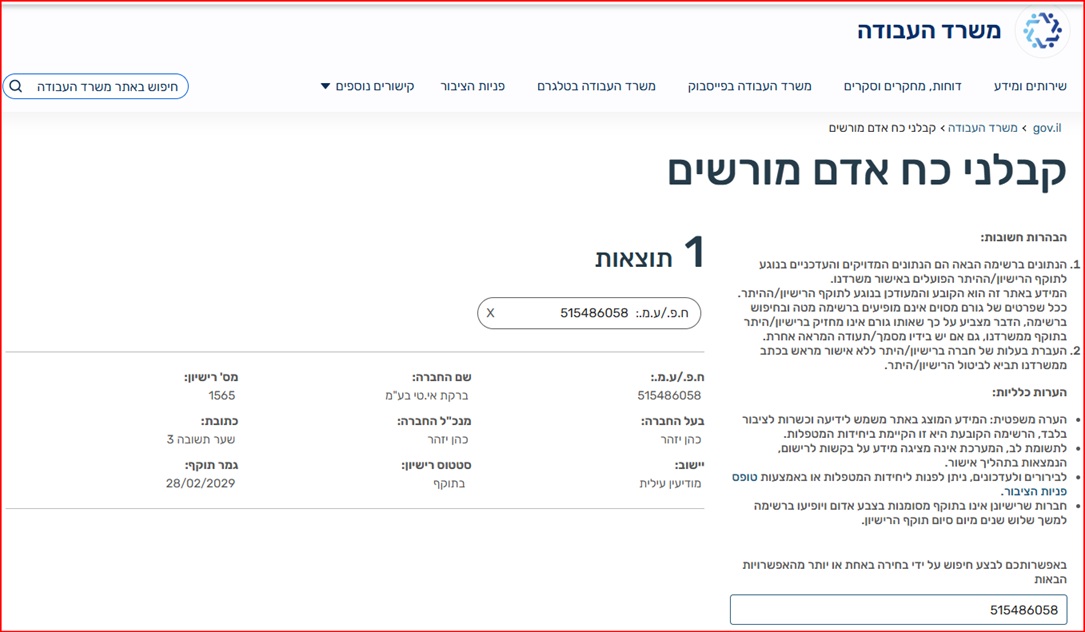
NETO's model is particularly suited to remote and hybrid work: the employee receives an organized payslip through a licensed manpower contractor (license #1565), so their social rights · national insurance, pension, vacation and sick leave · follow them wherever they work. Freelancers who work remotely with several clients can issue an invoice without opening a business file and receive their pay in a payslip, and employers get organized payroll for remote and office workers alike. For employers, the cost is a simple 5% commission on the invoice (pre-VAT, billed to the client) · the worker never pays a fee. See what an employee really costs in our employer cost guide, or how remote hiring works in the remote team guide.
Want to make sure you get everything you are owed?
Working from home should not be a headache. With the right knowledge and the right tools, you can enjoy the flexibility without giving up your rights · get paid through a licensed manpower contractor, with every social right handled.
Q&A · work-from-home rights
Does working from home hurt my pension rights?
Can my employer require me to keep the camera on during all working hours?
What do I do if my employer does not pay for work-from-home expenses?
Am I entitled to overtime if I worked beyond my hours in the evening?
What happens if my employer requires me to return to the office after a year of working from home?
Is there a difference in rights between working from home and hybrid work?
Summary · work-from-home rights
Working from home does not have to be a headache. Israel has no separate law for working from home, but the general labor laws · wage, working hours and rest, vacation, sick leave, national insurance and pension · apply in full to a remote and hybrid employee too. What matters is regulating the implementation: time tracking, expense and equipment reimbursement, availability limits and proportionate monitoring · all in a written agreement. With the right knowledge and the right tools, you can enjoy the flexibility without giving up your rights.
- Basic rights are preserved remotely too · a change of location is not a change of status.
- Time tracking and advance approval for overtime · in work from home too.
- A written agreement regulating expenses, equipment, monitoring and availability prevents disputes.
- NETO manages it all digitally · payslip, contract and time reporting under license #1565.
Every right, paid in full · wherever you work
NETO manages payroll, contributions, payslips and legal compliance · so remote and hybrid workers never miss a right. Licensed manpower contractor #1565, operating since 2016, for a simple 5% commission on the invoice (pre-VAT, billed to the client) · the worker never pays.
The law requires 6% · at NETO it is 8.33%
The mandatory pension extension order obliges every employer to contribute 6% of salary to the severance component, and section 14 of the Severance Pay Law applies to that money automatically. NETO contributes the full severance component by default · 8.33% · so the ongoing contribution replaces severance pay in full and no top-up is due when the employment ends. An employer contributing less than 8.33% must top up severance at the end of the employment relationship.
A worker who declares they have no active pension fund, in a one-off engagement · there the contribution obligation begins only after six months of work. A worker with an active pension arrangement is entitled from day one, with contributions made retroactively after three months or at the end of the tax year, whichever is earlier.
General information · not legal advice. The binding text is the statute and the extension order themselves.